Lesson 1: Introduction to Salesforce
-
Salesforce Overview - CRM Basics, Salesforce Products (Sales, Service, Marketing Cloud)
-
Salesforce Architecture - Multi-Tenant Environment, Editions, Features
Lesson 2: Organization Setup
-
Company Profile - Locale, Currency, Time Zone
-
User Management - Users, Profiles, Login Policies
Lesson 3: Data Modeling and Management
-
Objects and Fields - Standard vs Custom Objects, Field Types
-
Relationships - Lookup, Master-Detail
-
Data Import/Export - Import Wizard, Data Loader
-
Data Quality - Validation Rules
Lesson 1: Workflow and Automation
-
Automation Tools - Workflow Rules, Process Builder, Flow Builder
-
Automation Actions - Email Alerts, Field Updates, Tasks
-
Approvals - Multi-Step Approval Processes
Lesson 2: Data Security and Access
-
Security Model - Object Level, Field Level, Record Level
-
Access Control - Profiles, Permission Sets
-
Sharing - OWD, Role Hierarchy, Sharing Rules
Lesson 3: Sales and Service Cloud Basics
-
Sales Cloud - Leads, Opportunities, Campaigns
-
Sales Setup - Sales Process, Forecasting
-
Service Cloud - Cases, Solutions, Knowledge
-
Console Setup - Service Console
Lesson 1: Creating Reports
-
Report Builder Basics - Tabular, Summary, Matrix, Filters, Report Formulas
-
Advanced Reporting - Cross Filters, Bucket Fields, Conditional Highlighting
Lesson 2: Dashboards
-
Dashboard Components - Charts, Tables, Gauges
-
Dashboard Customization - Filters, Scheduling, Sharing
Lesson 3: Data Management and Backup
-
Backup Strategies - Weekly Export, Monthly Export
-
Data Cleanup - Duplicate Rules, Matching Rules
-
Archiving - Retention, Data Storage
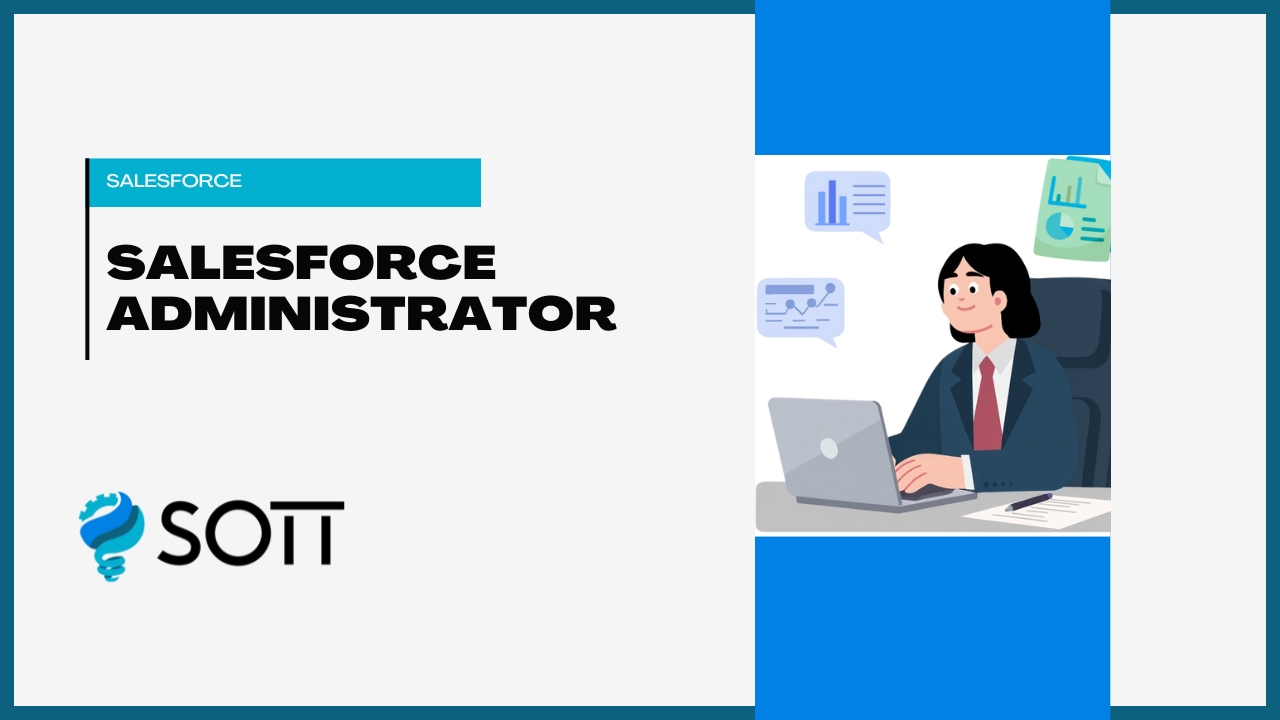
- CategorySalesforce
- LevelIntermediate
- Duration1 Month
- Available SeatsUnlimited
Course Key Highlights
Real-Time Experts
Learn from industry experts with real-time experience.
Placement Support
Get assistance in securing your dream job with our dedicated placement support.
Live Project
Work on live projects to gain hands-on experience.
Certified Professional
Become a certified professional with industry-recognized certification.
Affordable Fees
Get the best quality education at affordable fees.
Flexibility To Assist
Flexible learning options to assist you in every way possible.
No Cost EMI
Pay your course fees in easy installments with no cost EMI.
Free Soft Skills
Develop essential soft skills along with technical knowledge.
Popular Questions to Ask Before Choosing a Course
SOTT courses include comprehensive video lessons, hands-on projects, downloadable resources, and live mentorship sessions. Our curriculum is designed to provide you with all the tools you need to succeed in your chosen field.
No, SOTT courses are designed to be flexible. You can start learning whenever it suits you best, and you have lifetime access to the course materials to learn at your own pace.
To take a SOTT course, simply enroll in the course of your choice, and you will have access to all the lessons, resources, and mentorship opportunities available. You can learn from any device, at any time.
Yes, upon completing a SOTT course, you will receive a certificate of completion, which you can share with your network and use to showcase your newly acquired skills to potential employers.
If you need help, you can reach out to our support team or connect with your course mentor for guidance. We are here to ensure you have the best learning experience possible.